
Quick Answer
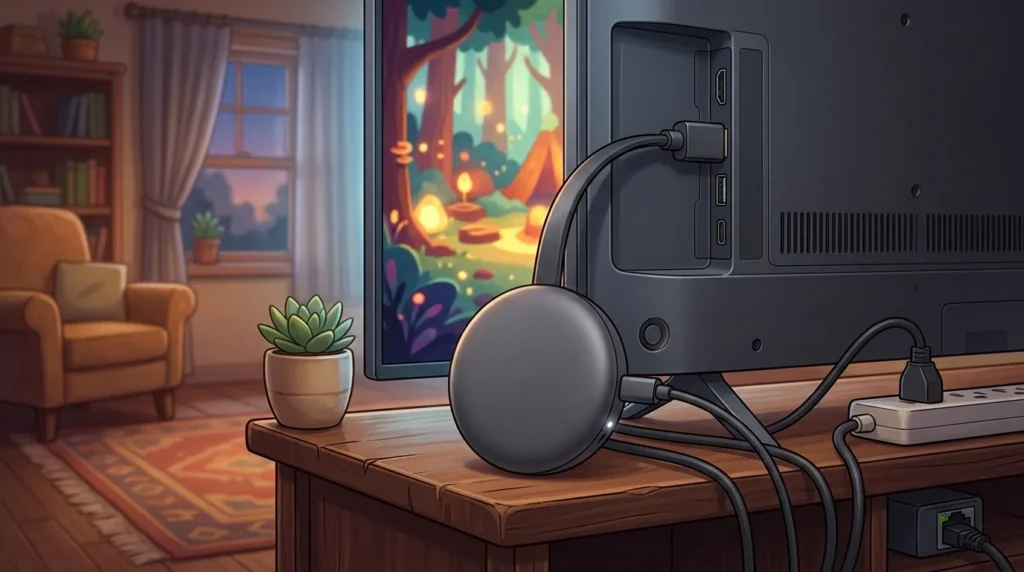
The biggest difference between Roku and Chromecast is how you interact with them.
- Roku provides a simple on-screen interface with a dedicated remote and broad app support, making it easy for almost anyone to use.
- Chromecast with Google TV combines traditional streaming with Google TV recommendations, Google Assistant, and seamless casting from Android devices and the Chrome browser.
Choose Roku for simplicity and ease of use. Choose Chromecast if you’re invested in Google’s ecosystem or frequently cast content from your phone or laptop.
What Is Roku?
Definition
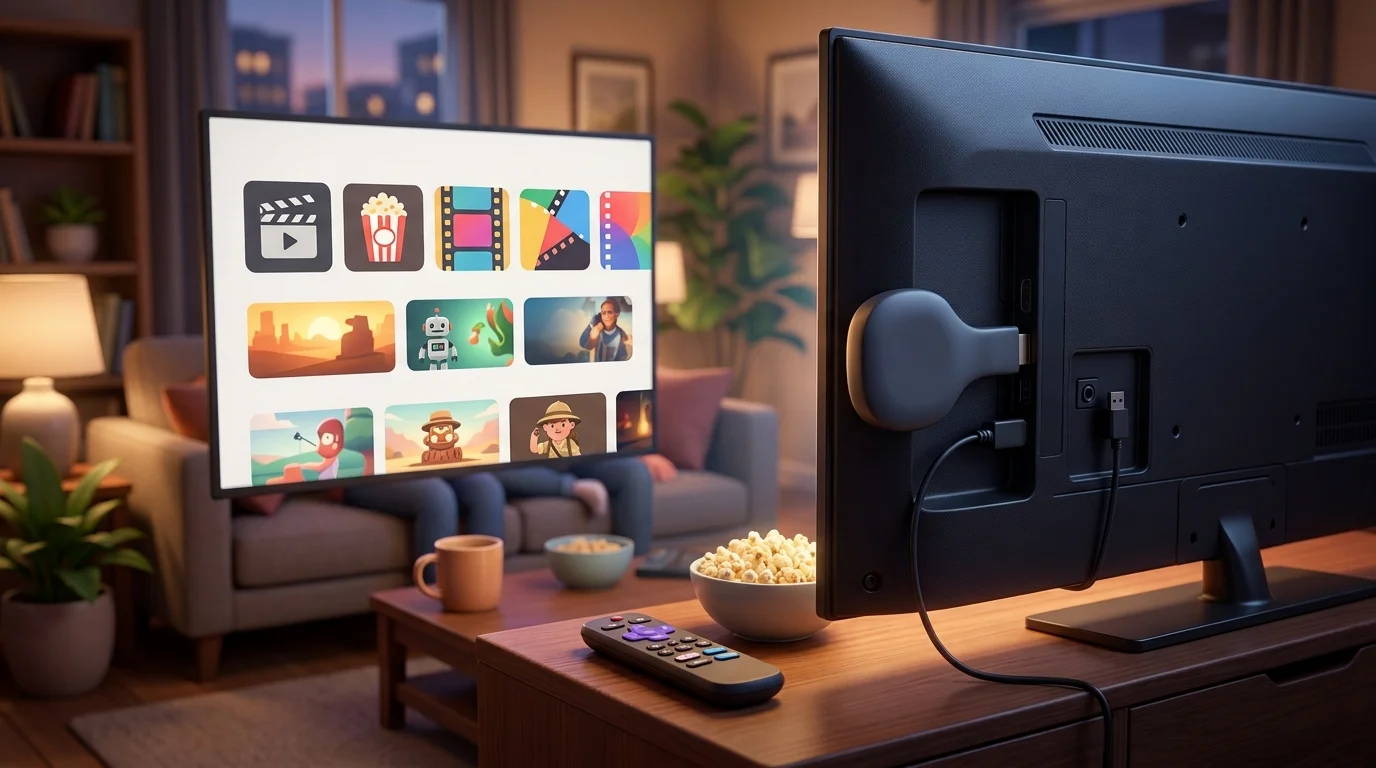
Roku is a streaming platform available through standalone streaming players and Roku-powered smart TVs. It connects to your television and provides access to thousands of streaming apps through an easy-to-navigate interface.
Key Features
- Simple home screen
- Dedicated remote control
- Voice search on many models
- Supports 4K and HDR on compatible devices
- Extensive streaming app library
- Private listening on select models
Typical Uses
People commonly choose Roku for:
- Watching streaming services
- Live TV streaming
- Family entertainment
- Easy navigation for all ages
- Budget-friendly home theaters
Real Examples
Example 1
“My parents switched to Roku because the interface is easy to understand.”
Example 2
“I installed all my streaming apps on Roku in just a few minutes.”
Example 3
“The Roku remote makes switching between apps simple.”
Key Insights
- Excellent for beginners
- Neutral platform that doesn’t heavily prioritize one streaming service over another
- Consistent user experience across devices
- Large selection of hardware options
What Is Chromecast?
Definition
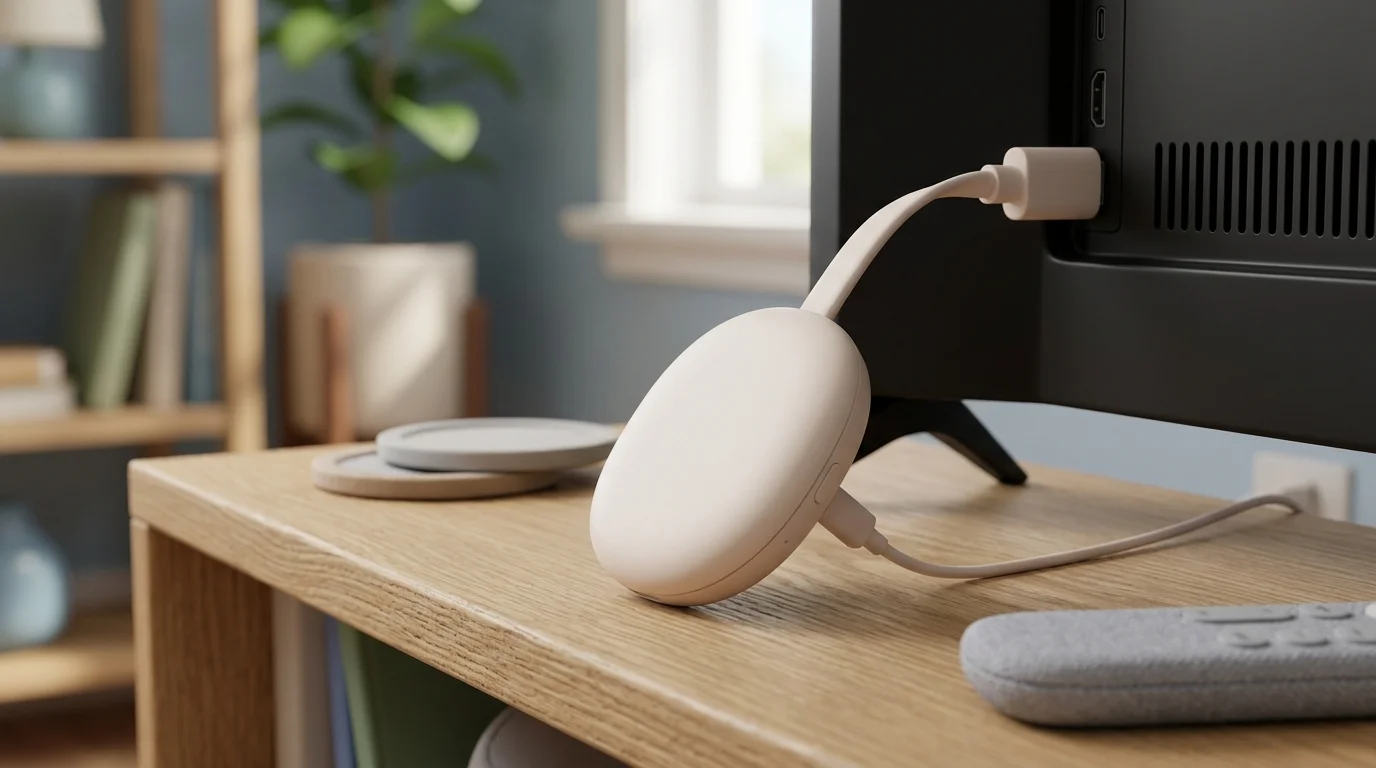
Chromecast is Google’s streaming device. Modern versions, such as Chromecast with Google TV, include a full smart TV interface while also supporting Google’s well-known casting technology.
Key Features
- Google TV interface
- Google Assistant integration
- Chromecast built-in
- Personalized content recommendations
- Voice control
- Strong Android integration
- Smart home compatibility
Typical Uses
Chromecast is popular for:
- Streaming movies and TV
- Casting videos from mobile devices
- Controlling smart home devices
- Using Google services
- Watching YouTube and other supported apps
Real Examples
Example 1
“I cast a YouTube video from my phone directly to Chromecast.”
Example 2
“Google Assistant found the movie I wanted instantly.”
Example 3
“I control my Chromecast using voice commands.”
Key Insights
- Excellent integration with Google services
- Strong casting capabilities
- Personalized recommendations
- Ideal for Android users
Roku or Chromecast: What’s the Difference?
Major Differences
- Roku focuses on simplicity.
- Chromecast emphasizes Google’s ecosystem.
- Roku has a neutral interface.
- Chromecast provides Google-powered recommendations.
- Chromecast offers superior casting functionality.
- Roku is often easier for first-time users.
- Google Assistant is built into Chromecast.
- Roku supports its own voice features depending on the model.
Comparison Table
| Feature | Roku | Chromecast with Google TV |
|---|---|---|
| Operating System | Roku OS | Google TV |
| Interface | Simple grid layout | Personalized recommendations |
| Remote | Included | Included |
| Voice Assistant | Roku Voice | Google Assistant |
| Casting | Limited | Excellent |
| Android Integration | Basic | Outstanding |
| Smart Home Support | Moderate | Extensive |
| Ease of Use | Excellent | Very Good |
| App Library | Extensive | Extensive |
| Best For | Simplicity | Google ecosystem |
Streaming App Support
Both platforms support most major streaming services, including:
- Netflix
- Disney+
- Prime Video
- Hulu
- Max
- Peacock
- Apple TV
- YouTube
- Paramount+
- Spotify
For most users, app availability is not a deciding factor because both ecosystems offer broad support.
Which One Is Better for Ease of Use?
If simplicity is your priority, Roku generally has the advantage.
Reasons include:
- Clean interface
- Minimal clutter
- Easy remote
- Straightforward menus
- Beginner-friendly setup
It’s particularly popular among families and users who want a device that “just works.”
Which One Is Better for Android Users?
Chromecast is usually the stronger choice if you use Android devices because it offers:
- Native casting support
- Google Photos integration
- Google Assistant
- Google Home compatibility
- Better synchronization with Google services
Android users often benefit more from Chromecast’s ecosystem than iPhone users.
Which One Is Better for iPhone Users?
Both devices work with iPhones, but Roku is often preferred by users who don’t rely heavily on Google’s services.
Chromecast still supports many iOS apps with casting, but the experience is generally most seamless within the Google ecosystem.
Performance Comparison
Both Roku and Chromecast deliver smooth streaming when paired with a reliable internet connection.
Performance depends on factors such as:
- Device model
- Processor
- Wi-Fi speed
- Streaming resolution
- TV compatibility
Premium models from either brand offer fast navigation and support for 4K HDR content.
Real-World Usage Scenarios
Scenario 1
Parent: “I just want an easy streaming device.”
Friend: “Roku is designed with simplicity in mind.”
🎯 Lesson: Roku is often the easiest platform for beginners.
Scenario 2
Android User: “I cast videos from my phone every day.”
Friend: “Chromecast is built for that.”
🎯 Lesson: Frequent casting makes Chromecast a natural fit.
Scenario 3
Traveler: “I need something simple for hotel TVs.”
Coworker: “A compact Roku streaming stick is easy to carry and set up.”
🎯 Lesson: Portable streaming devices work well for travel.
Scenario 4
Smart Home Owner: “Most of my devices are Google Home products.”
Friend: “Chromecast integrates naturally with your existing setup.”
🎯 Lesson: Staying within one ecosystem often provides a smoother experience.
Common Mistakes
Thinking Chromecast Only Supports Casting
Modern Chromecast devices also include a complete Google TV interface and remote.
Why it happens: Earlier Chromecast models relied almost entirely on casting from another device.
Assuming Roku Has Fewer Apps
Roku supports thousands of streaming channels and services.
Why it happens: Its simple interface can make the platform seem less feature-rich than it actually is.
Buying Based Only on Price
The cheapest model may lack features such as 4K, Dolby Vision, or faster Wi-Fi.
Why it happens: Buyers often overlook hardware differences between entry-level and premium devices.
Ignoring Ecosystem Compatibility
Your phone, smart speakers, and existing devices can significantly influence which platform feels more convenient.
Why it happens: People often focus only on streaming apps rather than overall integration.
Memory Tricks
Remember Roku
Think:
“R = Relaxed and Simple.”
Roku focuses on an uncomplicated streaming experience.
Remember Chromecast
Think:
“C = Cast and Connect.”
Chromecast excels at casting and connecting with Google’s ecosystem.
Easy Shortcut
- Want simplicity? → Roku
- Use Google services every day? → Chromecast
This quick rule covers the needs of most buyers.
Expert Insight
Roku and Chromecast now overlap more than ever, with both offering remotes, voice control, 4K streaming, and extensive app libraries. The real distinction lies in software philosophy rather than raw streaming capability. Roku prioritizes a clean, platform-neutral experience with minimal distractions, while Chromecast with Google TV emphasizes personalized recommendations, voice-driven navigation, and deep integration with Google’s services and smart home ecosystem. roku or chromecast.
Instead of asking which device is objectively “better,” consider how you already use technology. If your household relies on Google Assistant, Android phones, and Google Home devices, Chromecast provides a cohesive experience. If you prefer a straightforward interface that’s easy for anyone to navigate, Roku remains one of the most user-friendly streaming platforms available. roku or chromecast.